
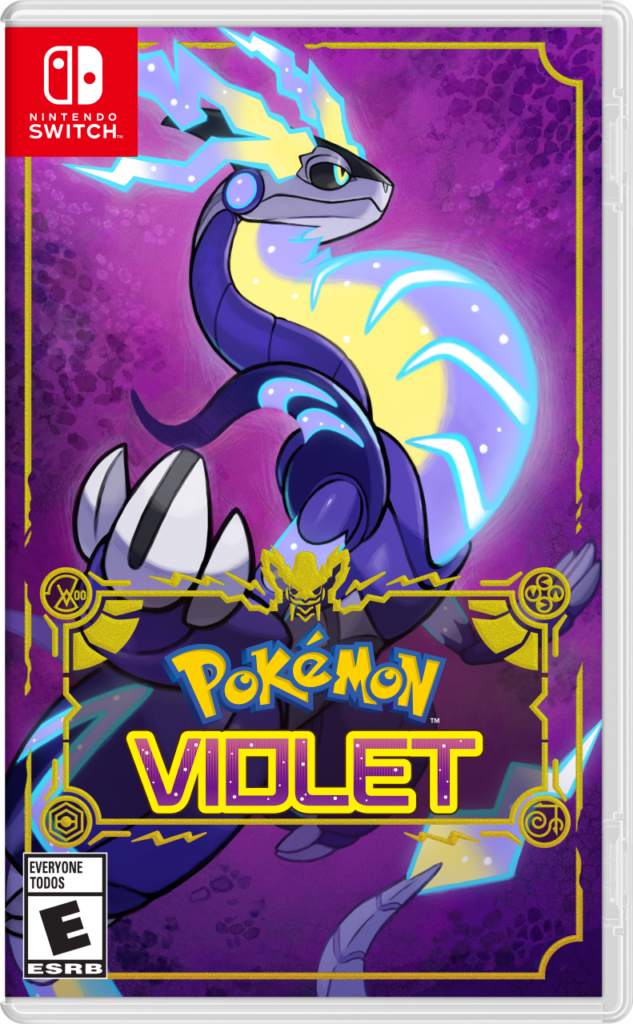
Pokemon Violet
How to Transfer Pokemon from Pokemon Violet to Pokemon HOME
To transfer Pokémon from Pokémon Violet into Pokémon HOME, you’ll need Pokémon HOME installed on your Nintendo Switch and updated to the latest version. You do not need a Premium Plan to move Pokémon between Violet and HOME — the free plan works, although it limits your total storage.
Open Pokémon HOME on your Switch and select “Pokémon” from the main menu. Choose the user profile that’s linked to your Pokémon Violet save file. You’ll be prompted to select the game you want to connect — choose Pokémon Violet. Your PC storage boxes from Violet will then load on the left, and your HOME boxes will appear on the right.
You can now move Pokémon by dragging them from your Violet boxes into your HOME storage. Only Pokémon in your PC storage will appear — Pokémon in your party or unhatched Eggs will not be available for transfer, so organize your boxes in Violet before starting. Once you’ve moved the Pokémon you want, press the “+” button to save and complete the transfer.
Once transferred, these Pokémon are stored in HOME and can be moved into other compatible games — as long as that species exists in the destination game’s Pokédex. Pokémon can also be returned to Violet from HOME if they are compatible. You can manage your collection using the HOME app on Switch or mobile, but all transfers between HOME and Violet must be done on the Switch version of Pokémon HOME.