
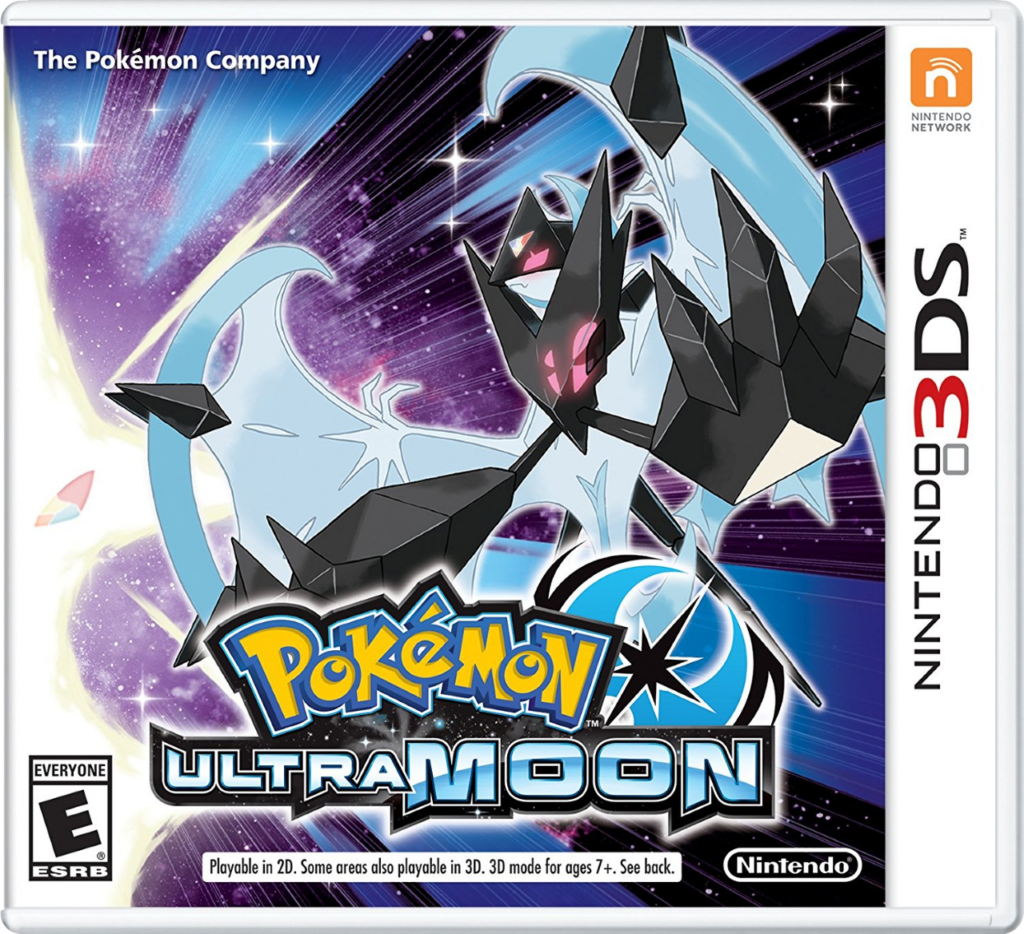
Pokemon Ultra Moon
How to Transfer Pokemon from Pokemon Ultra Moon to Pokemon HOME
To transfer Pokémon from Pokémon Ultra Moon into Pokémon HOME, you’ll need a Nintendo 3DS, the Pokémon Bank app, and a Premium Plan in Pokémon HOME. This plan is required for Bank transfers. Keep in mind that once a Pokémon is moved to HOME, it cannot be returned to Pokémon Bank.
Start by launching Pokémon Bank on your 3DS and selecting your Ultra Moon save file. Once loaded, you’ll see your in-game PC storage boxes. Move any Pokémon you want to transfer into Pokémon Bank’s own storage boxes. Pokémon in your party or unhatched Eggs won’t be visible here, so it’s a good idea to prepare and organize your boxes in Ultra Moon beforehand.
When the Pokémon you want to transfer are in Bank, save and close the app. Then, on your Nintendo Switch, open Pokémon HOME and select “Move” from the main menu. Choose “Move from Pokémon Bank” and follow the instructions to generate a Move Key.
Return to Pokémon Bank on your 3DS, select “Move Pokémon to Pokémon HOME,” and input the Move Key. The transfer will begin, and your Pokémon will appear in HOME once complete. From there, you can store them, trade using the mobile app, or move compatible species to supported Nintendo Switch games like Sword, Shield, Scarlet, or Violet.