
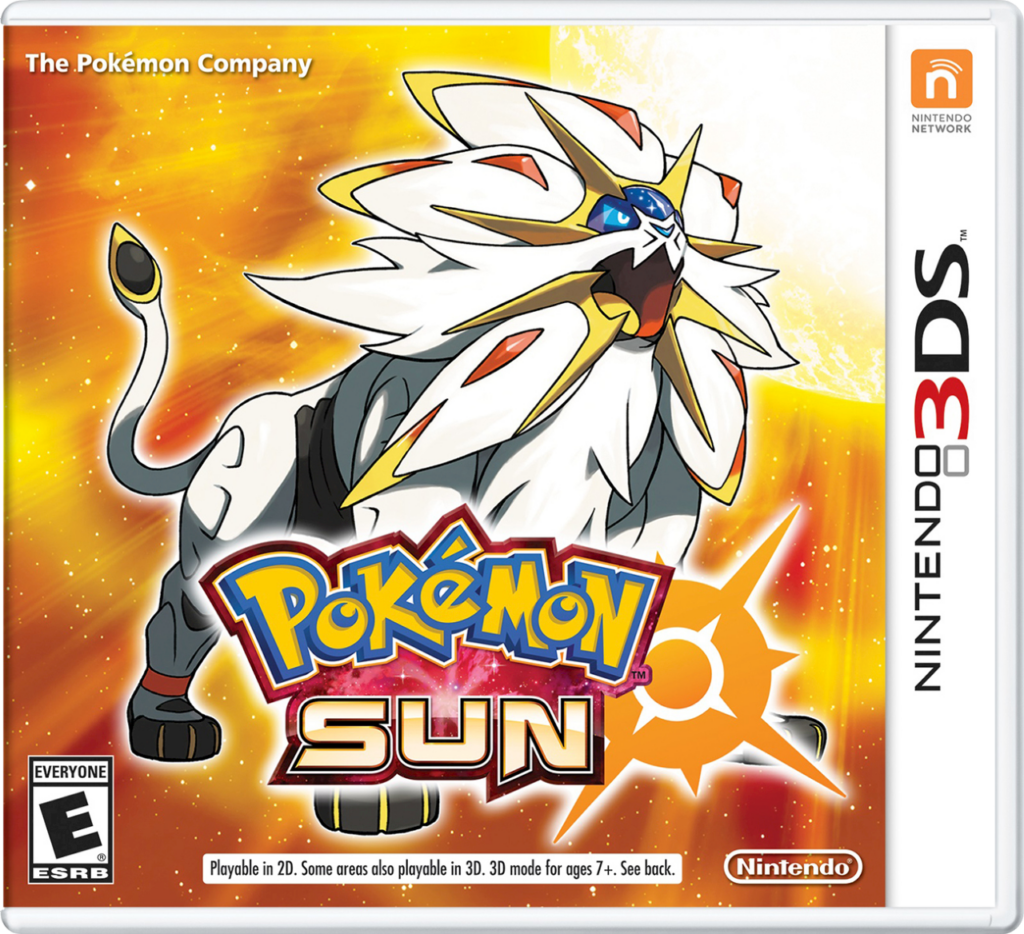
Pokemon Sun
How to Transfer Pokemon from Pokemon Sun to Pokemon HOME
To move Pokémon from Pokémon Sun to Pokémon HOME, you’ll need a Nintendo 3DS with Pokémon Bank installed, and an active Premium Plan in Pokémon HOME. This plan is required to use the transfer feature, and all transfers from Bank to HOME are one-way only — Pokémon cannot be returned to Bank after the move.
Launch Pokémon Bank and select your Pokémon Sun save file. Once your storage boxes load, move the Pokémon you want into Pokémon Bank’s storage boxes. Only Pokémon in PC boxes are eligible — those in your party or as Eggs won’t appear, so you’ll want to organize your Pokémon in Sun before opening Bank.
After saving your changes in Bank, open Pokémon HOME on your Nintendo Switch. From the HOME main menu, select “Move” and then choose “Move from Pokémon Bank.” You’ll be given a Move Key — a one-time code used to connect your Bank account to HOME.
Go back to Pokémon Bank on your 3DS, choose “Move Pokémon to Pokémon HOME,” and enter your Move Key. Your Pokémon will be transferred to HOME and available in your storage boxes there. You can then manage your collection, trade via the mobile app, or move compatible Pokémon to supported Switch games.