
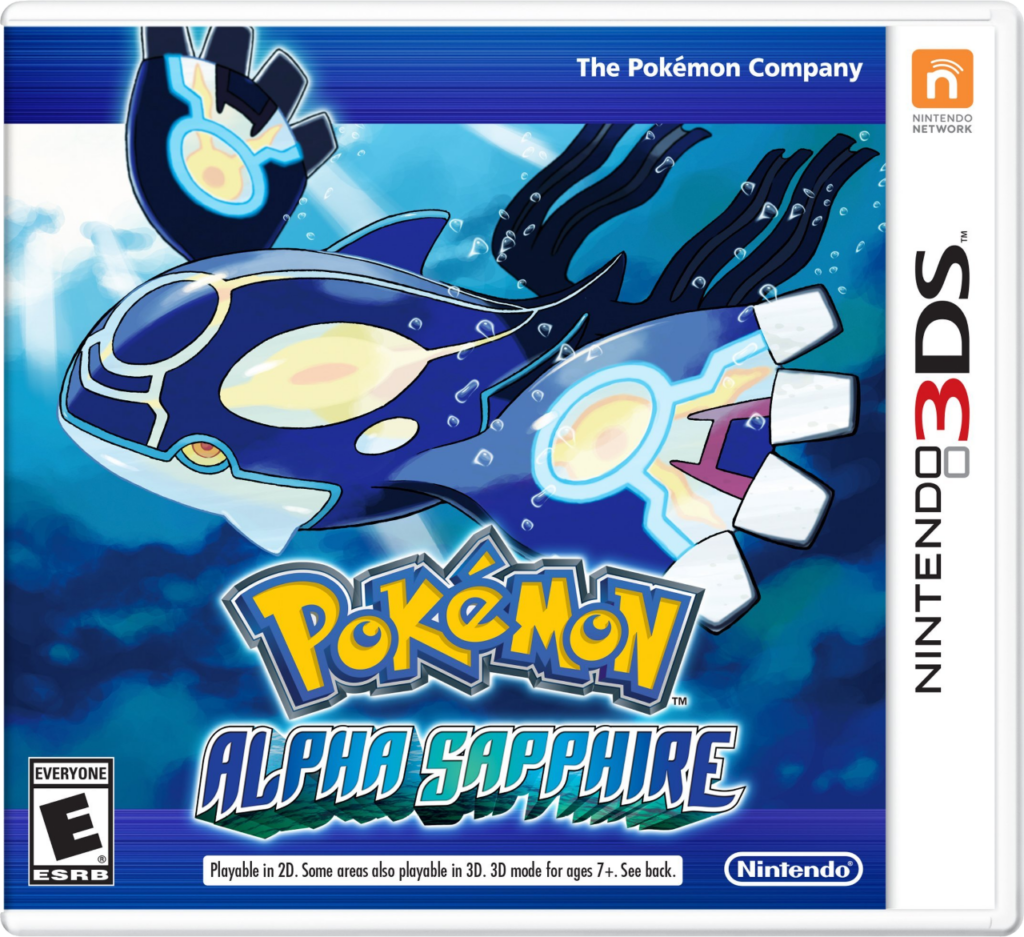
Pokemon Alpha Sapphire
How to Transfer Pokemon from Pokemon Alpha Sapphire to Pokemon HOME
Transferring Pokémon from Pokémon Alpha Sapphire to Pokémon HOME requires a 3DS system, the Pokémon Bank app, and a Premium Plan in Pokémon HOME. The Premium Plan unlocks the ability to move Pokémon from Bank to HOME. Keep in mind: once transferred, Pokémon cannot be returned to Pokémon Bank.
To begin, open Pokémon Bank on your 3DS and select your Alpha Sapphire save file. You’ll then see your PC storage boxes from the game. From there, move the Pokémon you want to keep into Pokémon Bank’s storage boxes. Pokémon in your party or Eggs won’t be visible in Bank, so it’s a good idea to organize your boxes in Alpha Sapphire first to make sure everything you want to move is ready.
After your Pokémon are in Bank, save and close the app. Open Pokémon HOME on your Nintendo Switch, go to the main menu, and choose “Move”, then “Move from Pokémon Bank.” This will generate a Move Key.
Switch back to Pokémon Bank on your 3DS, select the “Move Pokémon to Pokémon HOME” option, and input the Move Key. Your Pokémon will then transfer into Pokémon HOME. You can manage them in HOME on either Switch or mobile, and move compatible Pokémon into current games.