
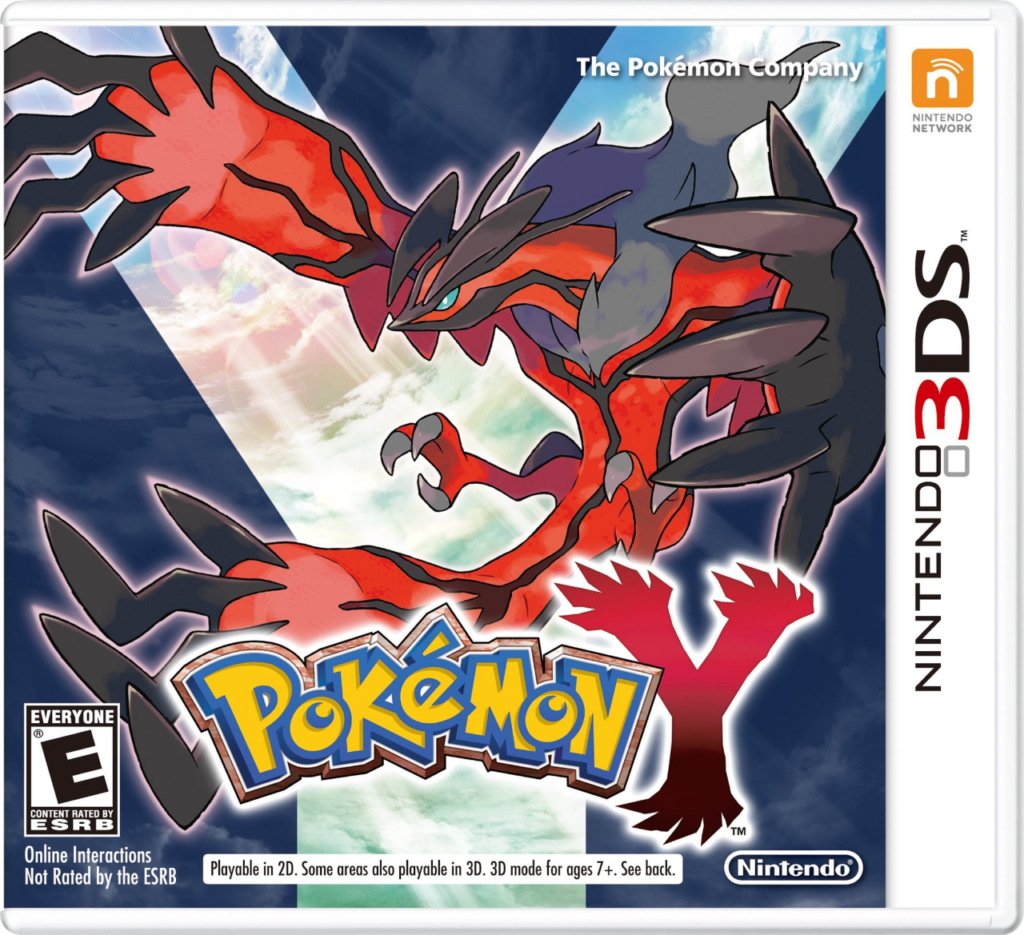
Pokemon Y
How to Transfer Pokemon from Pokemon Y to Pokemon HOME
To transfer Pokémon from Pokémon Y to Pokémon HOME, you’ll need a Nintendo 3DS system, a copy of Pokémon Y, and access to the Pokémon Bank app. You’ll also need a Premium Plan in Pokémon HOME, which is required for transfers from Bank into HOME. Please note: once Pokémon have been moved from Bank to HOME, they cannot be returned to Pokémon Bank.
Start by launching Pokémon Bank on your 3DS and selecting your Pokémon Y save file when prompted. You’ll then see your in-game PC storage boxes. From here, move the Pokémon you want to keep into Bank’s own storage boxes. Only Pokémon in your PC boxes are eligible for transfer — Pokémon in your party or unhatched Eggs will not appear in Bank, so be sure to organize your boxes in Pokémon Y beforehand.
Once the Pokémon you want to transfer are in Pokémon Bank, open Pokémon HOME on your Nintendo Switch and choose “Move” from the main menu. Select the option to move Pokémon from Pokémon Bank, and follow the instructions to generate a Move Key.
Return to Pokémon Bank on your 3DS and choose the “Move Pokémon to Pokémon HOME” feature. Enter the Move Key you generated, and the transfer process will begin. Once it’s complete, your Pokémon will appear in your Pokémon HOME storage boxes. From there, you can view and manage them on Switch or mobile, and move compatible Pokémon into newer games like Sword, Shield, Scarlet, or Violet.